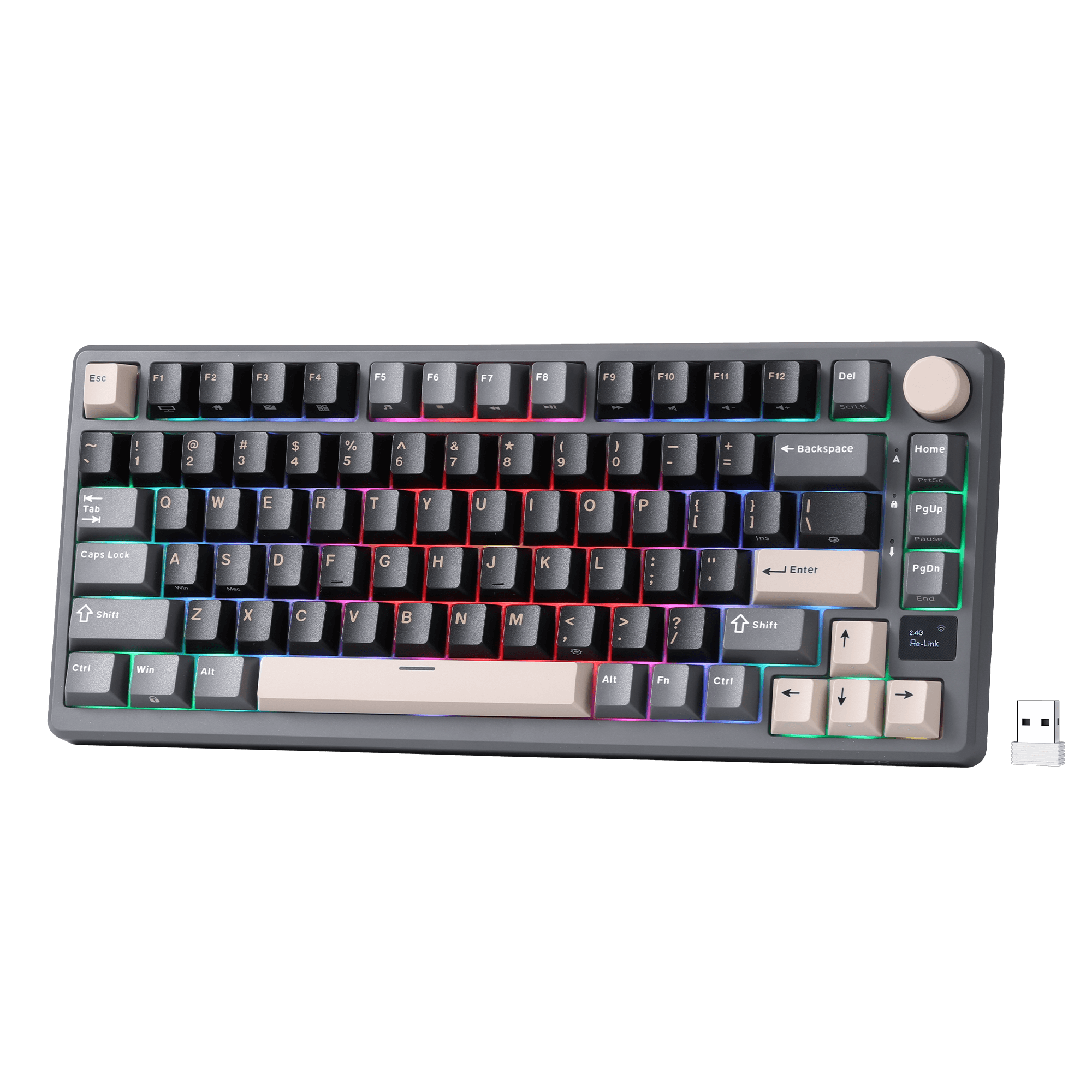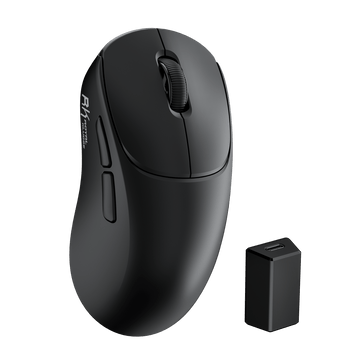
MG5 Wireless Gaming Mouse
$59.99
Hast du ein Konto?
Logge dich ein, damit es beim Checkout schneller geht.
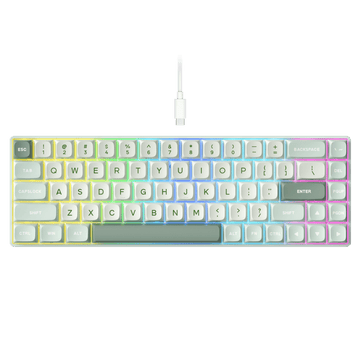
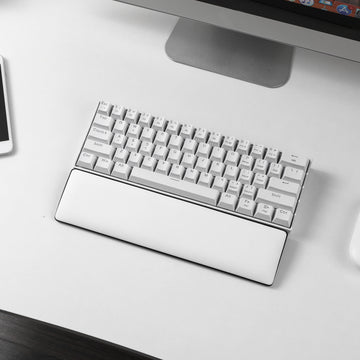


Not sure which RK keyboard is right for you? Start here.
Instead of using one rubber membrane beneath the keys, a mechanical keyboard has a separate spring-loaded switch for each key. This gives each keystroke a more defined, consistent feel and response.
Enjoy a more responsive, satisfying feel with every keystroke — whether you prefer smooth, tactile, or clicky switches.
Make it yours. Swap switches and keycaps, remap keys, or fine-tune your setup as your needs change.
Choose the size that fits your desk and your workflow. From space-saving 60% layouts to versatile 75% and full-size boards.
Get fast, consistent input with gaming-focused features like Rapid Trigger, adjustable actuation, and high polling rates.
Know what you need? Start with a keyboard that fits the way you use it.

$64.99
Cream linear switches with a smooth feel.

$89.99
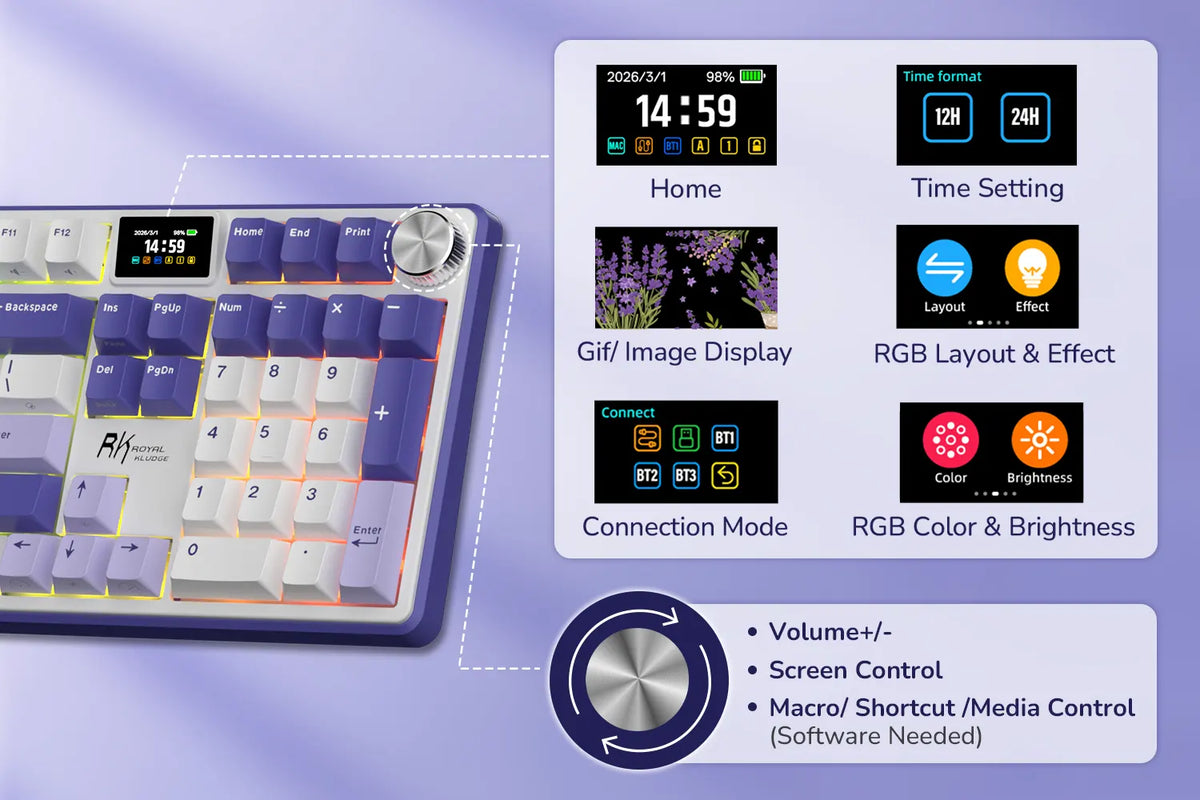
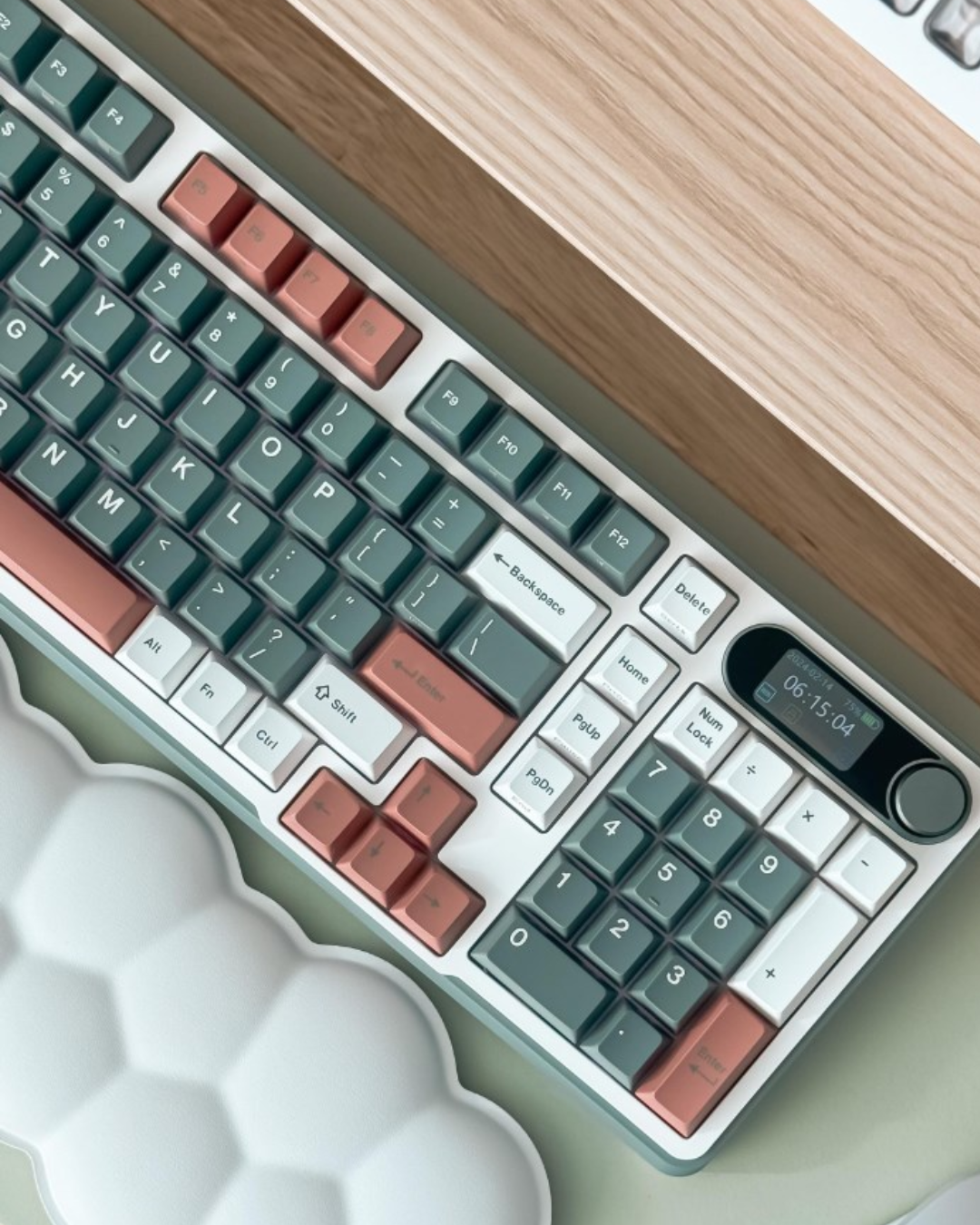
Near-full-size layout with a display and knob.

$73.99
Adjustable actuation and Rapid Trigger for fast inputs.

$79.99
Silent switches for shared spaces and late nights.

$59.99
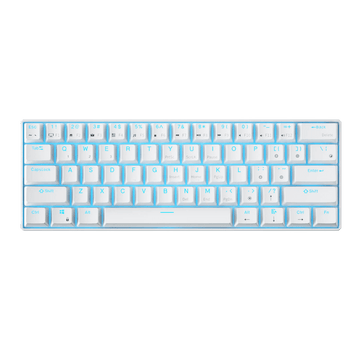
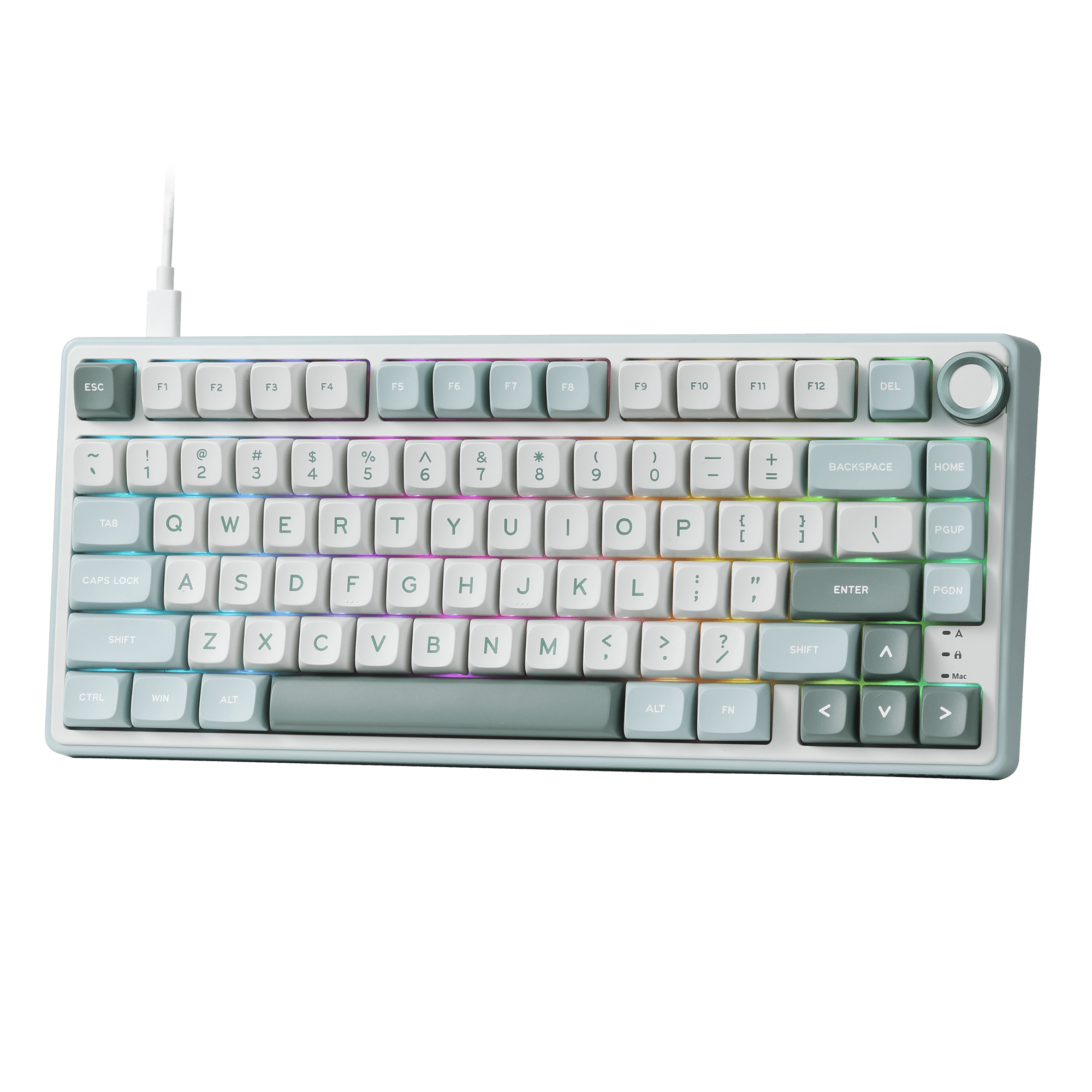
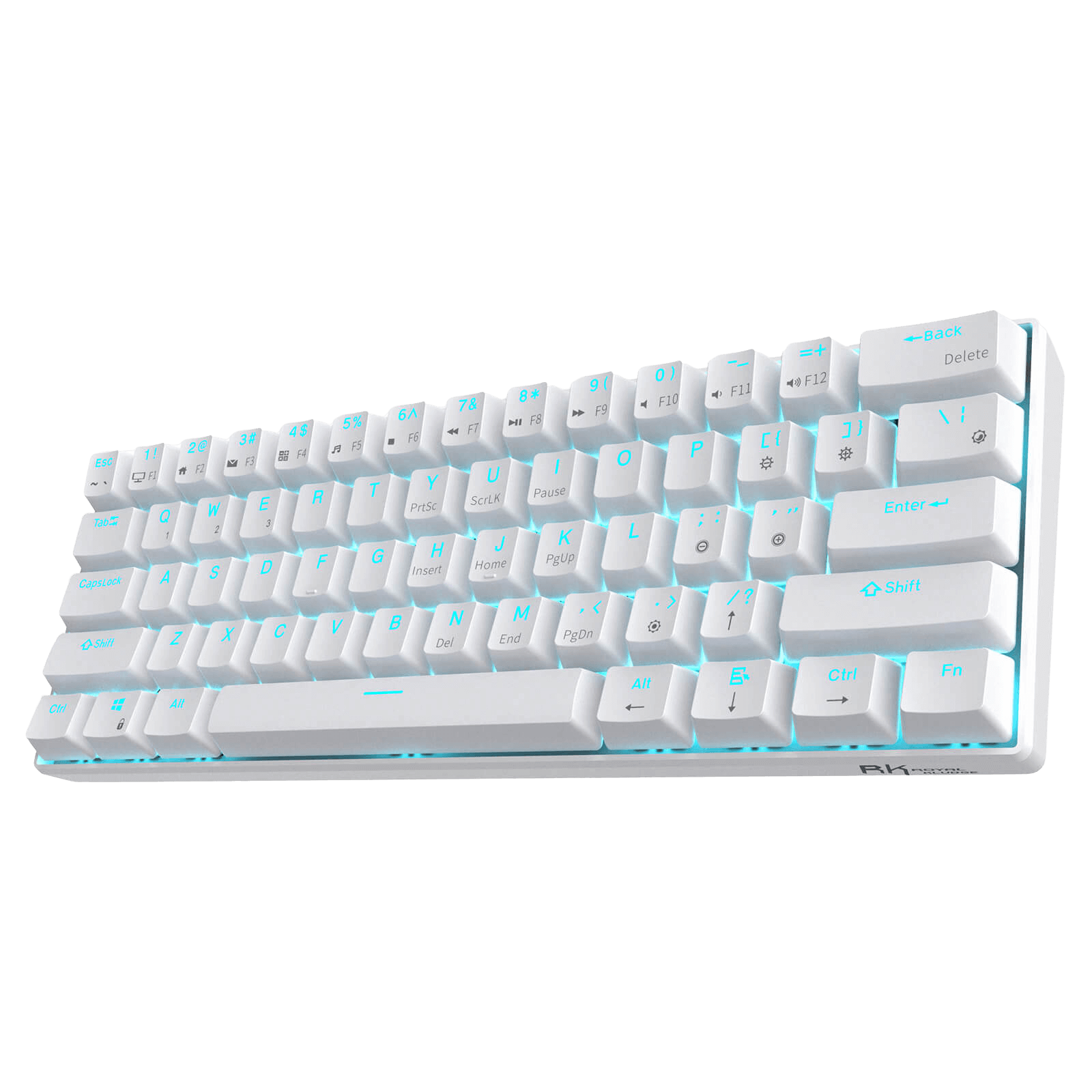
Simple, compact, and easy to start with.

$54.99
Full-size essentials at an entry-level price

$89.99
A left-handed layout with a full set of essential keys.

$79.99
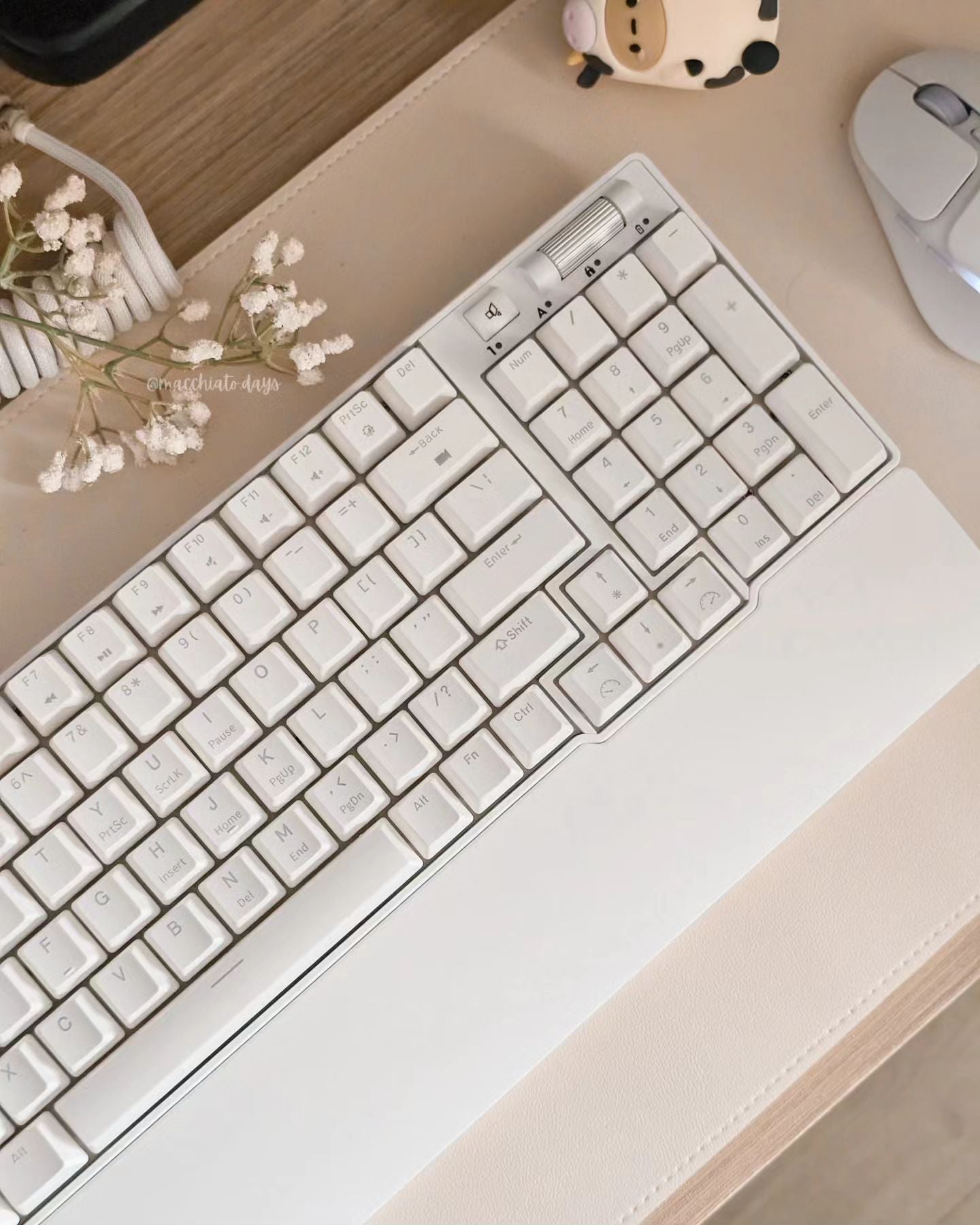
Fuller layout with adjustable actuation and a magnetic wrist rest.
Find the Right RK Keyboard Series. Pick the series that matches how you work or play.
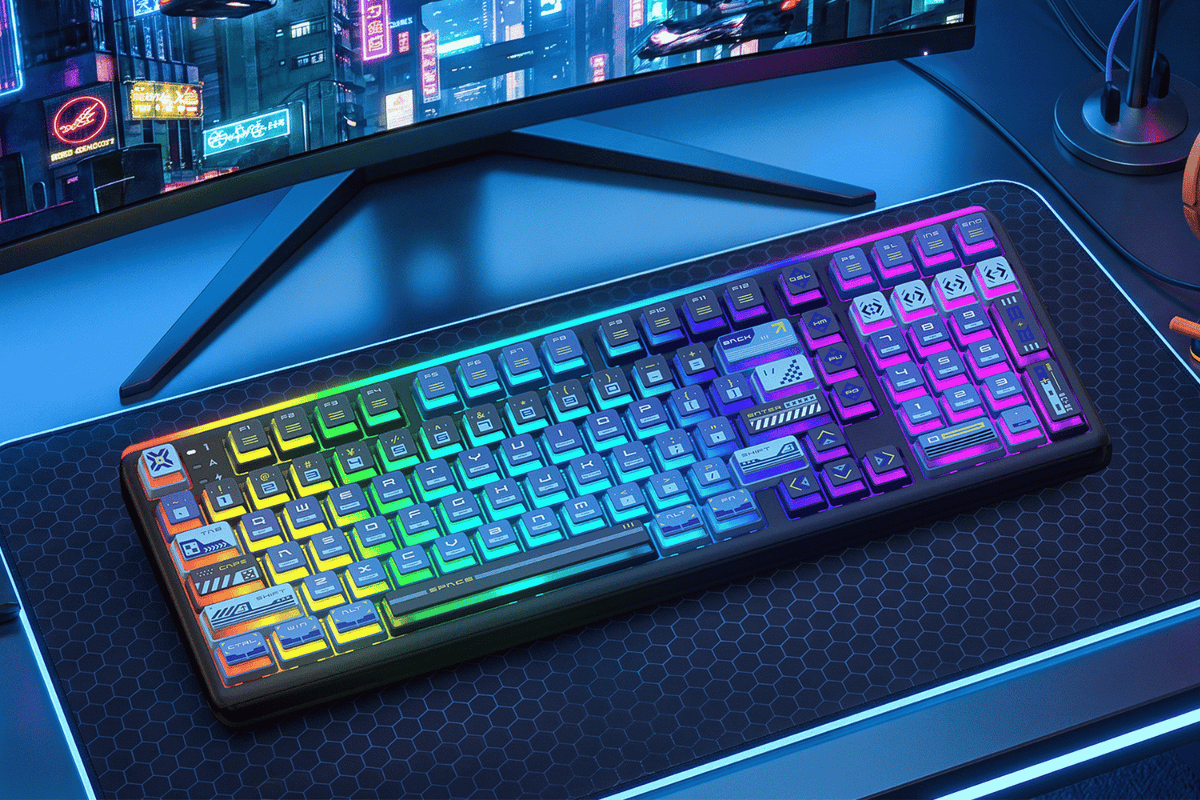
Keep the full-size layout and dedicated numpad for work, gaming, and everyday tasks. Switch between Win and Mac, adjust RGB, and control media with ease.
Customize your layout and shortcuts with QMK/VIA, while the pre-lubed Cream Linear Switch delivers a smooth, satisfying feel right out of the box.
Fine-tuned for competitive play, with responsive magnetic switches and layouts from 65% to 96% to fit every gaming setup.
Get the key arrangement you’re used to, without having to adapt to an ANSI layout.
Start with the things that matter most: size, connection, switch, and features.
How much desk space do you have, and do you need a number pad or arrow keys?
smaller = more desk & mouse room; bigger = more keys always visible.
See sizesWired, Bluetooth, or 2.4GHz wireless — and do you switch between devices?
Competitive gaming: wired or 2.4GHz. Multi-device work: Bluetooth or Tri-Mode.
Connection guideThe switch decides feel and sound — linear, tactile, clicky, silent, or magnetic.
Not sure? Use the 3-question picker and listen to the sound tests.
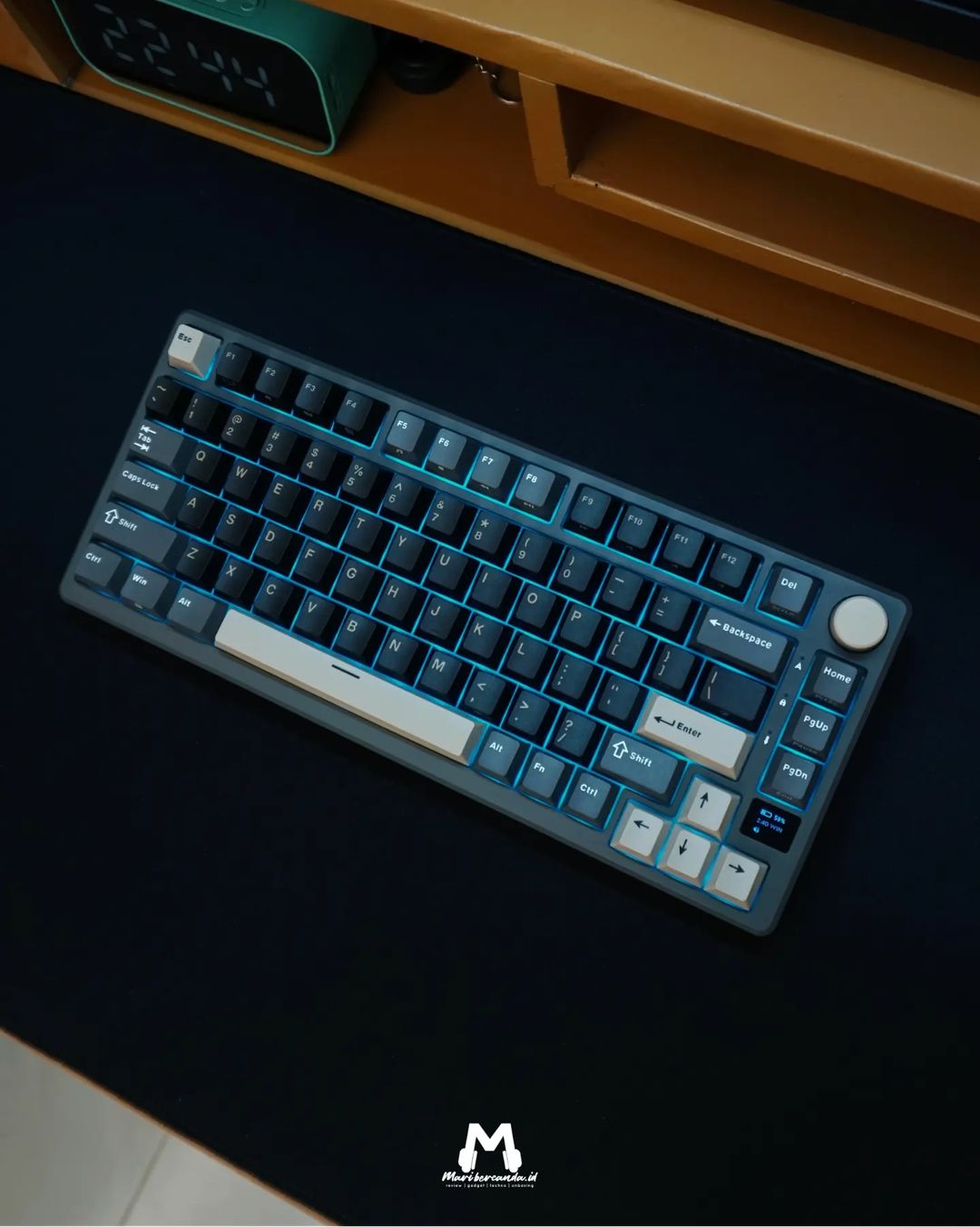
Pick a switchNeed more customization? Choose hot-swap, a display & knob, or QMK/VIA support.
Want to swap switches? Choose hot-swap. Need more customization? Go for QMK/VIA.
See featuresSmaller layouts save desk space by moving some keys to Fn shortcuts, while larger layouts keep more keys within easy reach. Here’s what you get with each size.


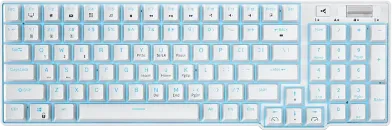

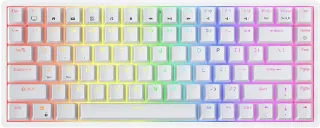

| Size | Arrow Keys | Function Row | Number Pad | Best if you… | View collection |
|---|---|---|---|---|---|
| Full Size 100% · 104 keys | Yes | Yes | Yes | Enter numbers all day (finance, data) | View |
| Compact Full 96% · 96 keys | Yes | Yes | Yes | Want the number pad but less width | View |
| TKL 80% · 87 keys | Yes | Yes | No | Want arrows + F-row, more mouse room | View |
| Compact TKL 75% · 84 keys | Yes | Yes | No | Want a tidy, everything-close layout | View |
| Compact 65% · 68 keys | Yes | Fn layer | No | Want small but keep dedicated arrows | View |
| Mini 60% · 61 keys | Fn layer | Fn layer | No | Want the smallest, most portable board | View |
Fn layer = the key still works, you just hold the Fn key plus another key to reach it (e.g. Fn + J/K for arrows).
Which connection you need and whether it works with your setup.
Low latency, no charging. Best for competitive gaming and stationary setups.
Low-latency wireless. Connect via USB dongle for responsive gaming without the cable.
Easy multi-device use. Pair with a laptop, tablet, or phone and switch between devices. Great for work and everyday use.
All three in one keyboard. 2.4GHz for gaming, Bluetooth for everyday use, and USB-C when you want a wired connection.
Yes — RK keyboards are designed for Windows, with plug-and-play support on compatible models.
Yes — many RK keyboards support Mac with a Win/Mac toggle. Look for Mac keycaps or use the software to remap ⌘ / ⌥.
Yes — connect via Bluetooth on compatible wireless models.
Yes — ISO, QWERTZ (DE), AZERTY (FR) and ES versions on select models.
See ISO keyboards →Switches shape how your keyboard feels and sounds. Answer three quick questions, then hear the difference to find your match.

Sound: Quiet
Best for: Fast gaming, quiet use, shared office
RK61 · RK61DE · RK68 · RK84 · RK920

Sound: Gentle
Best for: Daily work, casual gaming
RK61 · RK61DE · RK68 · RK84 · RK87 · RK89 · RK920

Sound: Clicky, Loud
Best for: Heavy typing, strong feel
RK61 · RK61DE · RK68 · RK84 · RK89 · RK920

Sound: Smooth, Balanced, "Creamy"
Best for: Daily work, casual gaming
R65 · R75 · L75 · R87 · S98 · L98 · S104

Sound: Whisper-Quiet
Best for: Offices, calls, late nights
L75 · L98 · F99 · S104 · X104 · L75 · L98 · F99

Sound: Rich, Deep
Best for: Precise typing, coding
L75 · L98

Sound: Smooth
Best for: Everyday Gaming, Work & Study
RK61 · RK84 · RK920 · X104

Sound: Soft Thocky
Best for: Precise typing, feedback lovers
RK61 · RK84 · RK920 · X104

Sound: quiet
Best for: fast typing, quiet gaming
RK96 (Forest Blue · Camp Green)

Sound: quiet
Best for: fast typing, quiet use, gaming
S85 · M75

Sound: Clean
Best for: Competitive FPS & esports
C68 · C84 · C87 · C96 · C98

Sound: Quiet
Best for: Slim setups, quick input
F68 · N80

Sound: Soft Tactile
Best for: Daily work, quiet typing
F68 · N80
Looking for a little more? Explore features that make a difference to your everyday experience.
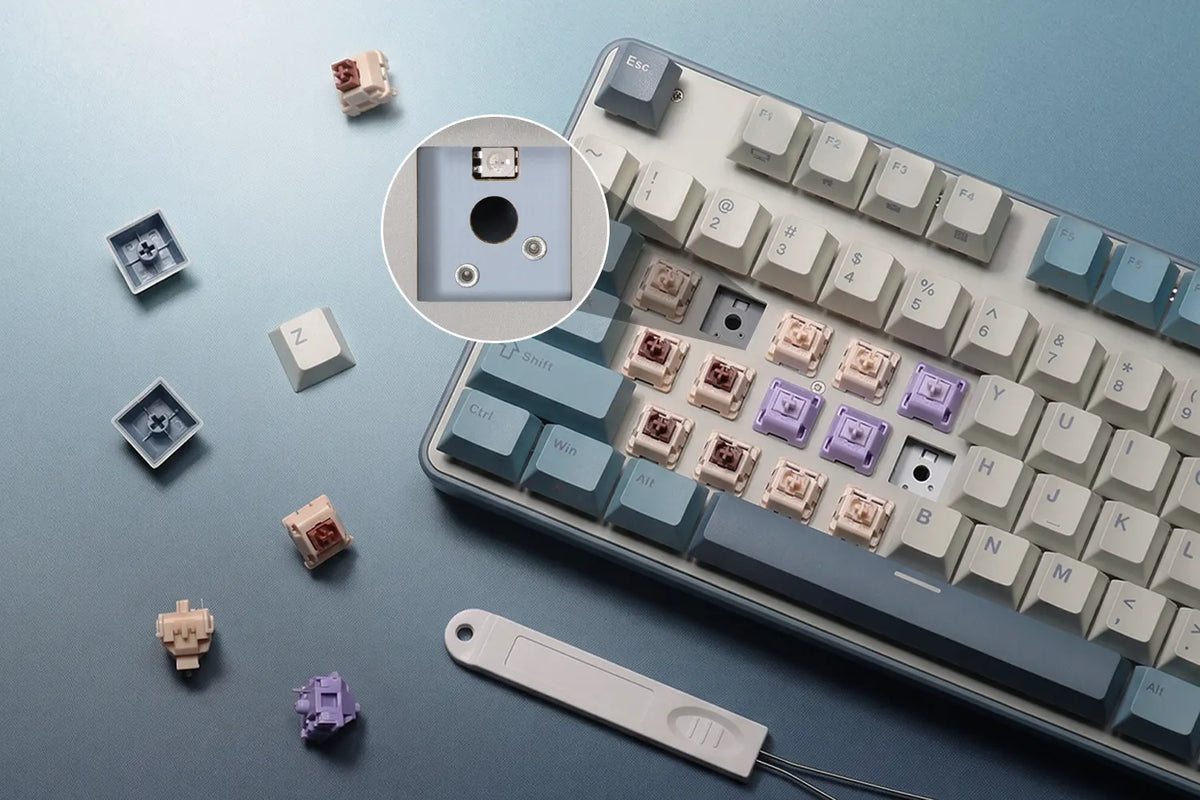
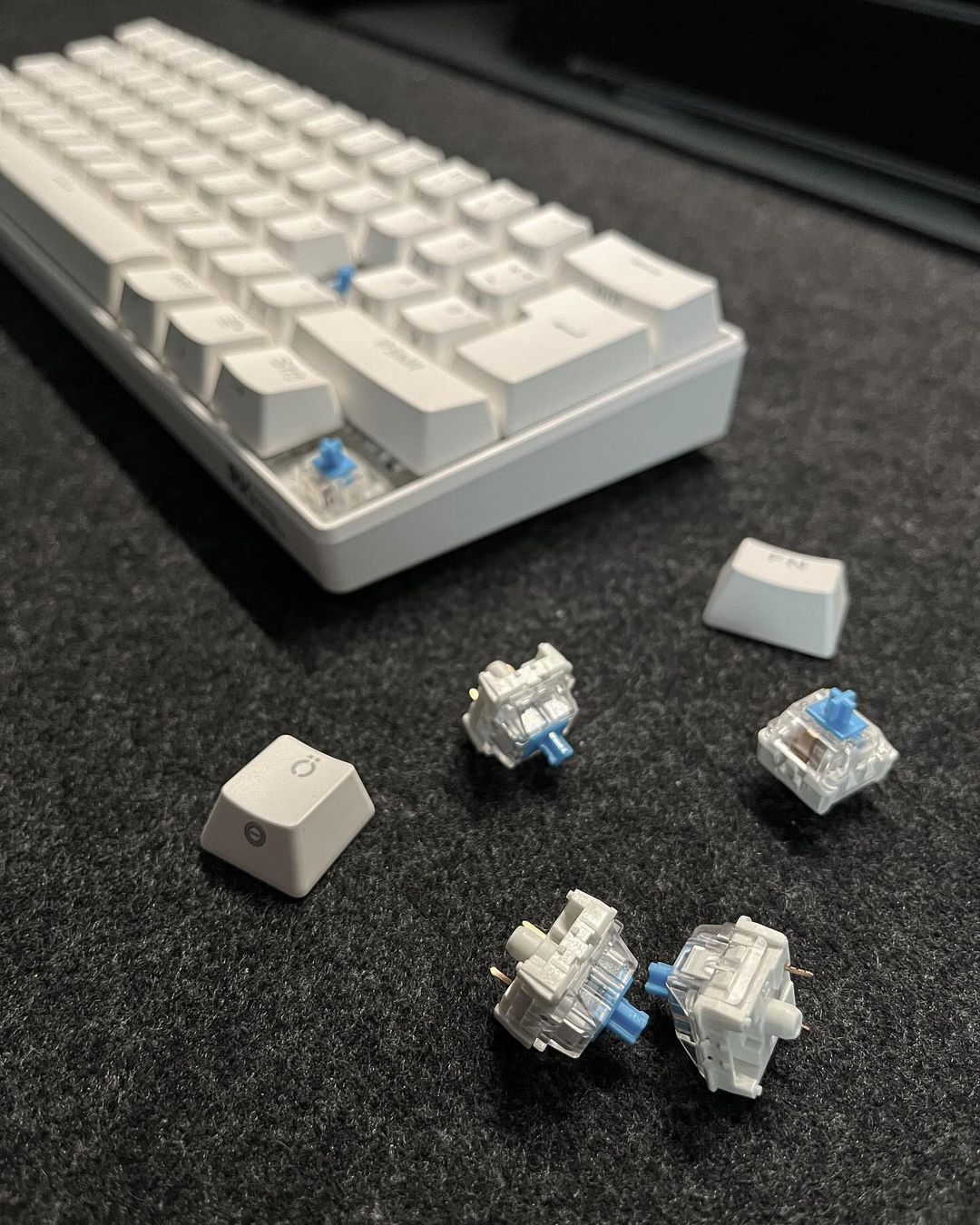
Compatible with most 3-pin and 5-pin mechanical switches, so you can swap switches without soldering and customize your typing feel and sound.
Explore Hot-Swappable Keyboards →Ready to compare specs directly? Filter the lineup by what matters to you.
| Model | Best For | Size | Connection | Switch | Hot-swap | Price | Shop |
|---|---|---|---|---|---|---|---|
| RK61 Edition | Entry-level | 61 keys (60%) | 2.4G Wireless, Bluetooth, Wired | Creamy/ Silent/ Snowfall | Yes | $59.99 | Shop |
| R65 Wireless | Best Seller | 66 keys (65%) | 2.4G Wireless, Bluetooth, Wired | Cream | Yes | $64.99 | Shop |
| C87 HE | Gamer's pick | 88 Keys(80% TKL) | Type-C Wired | Magnetic 8K | Magnetic | $73.99 | Shop |
| RK84 Edition | Gamer's pick | 84 keys (75%) | Type-C Wired | Creamy/ Silent/ Snowfall | Yes | $59.99 | Shop |
| R75 Wireless | Best seller | 81 Keys (75%) | 2.4G Wireless, Bluetooth, Wired | Cream | Yes | $64.99 | Shop |
| L75 | Office ready | 85 Keys (75%) | 2.4G Wireless, Bluetooth, Wired | Beige/ Cream | Yes | $79.99 | Shop |
| S98 | Best seller | 96 Keys(96%) | 2.4G wireless, Bluetooth, Wired | Cream/ Beige/ Silent | Yes | $89.99 | Shop |
| C98 | Gamer's pick | 96 Keys(96%) | Type-C Wired | Magnetic 8K | Magnetic | $89.99 | Shop |
| RK68 | Budget-Friendly | 68 keys (65%) | 2.4G Wireless, Bluetooth, Wired | Creamy/ Silent/ Snowfall | Yes | $59.99 | Shop |
| R99 | Premium Pick | 101 Keys(100%) | 2.4G Wireless, Bluetooth, Wired | Cream/ Beige/ Silent | Yes | $89.99 | Shop |
| RK920 Edition | Office Ready | 104 Keys(100%) | Type-C Wired | Creamy/ Silent/ Snowfall | Yes | $54.99 | Shop |
| F68 | Foldable Design | 68 keys (65%) | Bluetooth, Wired | Low Profile | No | $54.99 | Shop |
Showing a curated selection. Compare all keyboards
The things first-time buyers ask us most.
Choose based on the keys you use most. 60% and 65% keyboards are best when saving desk space is a priority, while 75% and TKL keyboards keep more everyday keys within easy reach. If you regularly use a number pad, choose a 96% or full-size keyboard.
Linear is smooth with no bump (great for gaming and typing). Tactile has a bump you feel as it registers (great for typing). Clicky adds a loud click on top (satisfying, but avoid in shared spaces). Try the 3-question picker above, then listen to the sound tests.
Yes. RK boards work on macOS with a Windows/Mac toggle, and you can remap the ⌘ and ⌥ keys in the software. They also connect to iPads and phones over Bluetooth on wireless models.
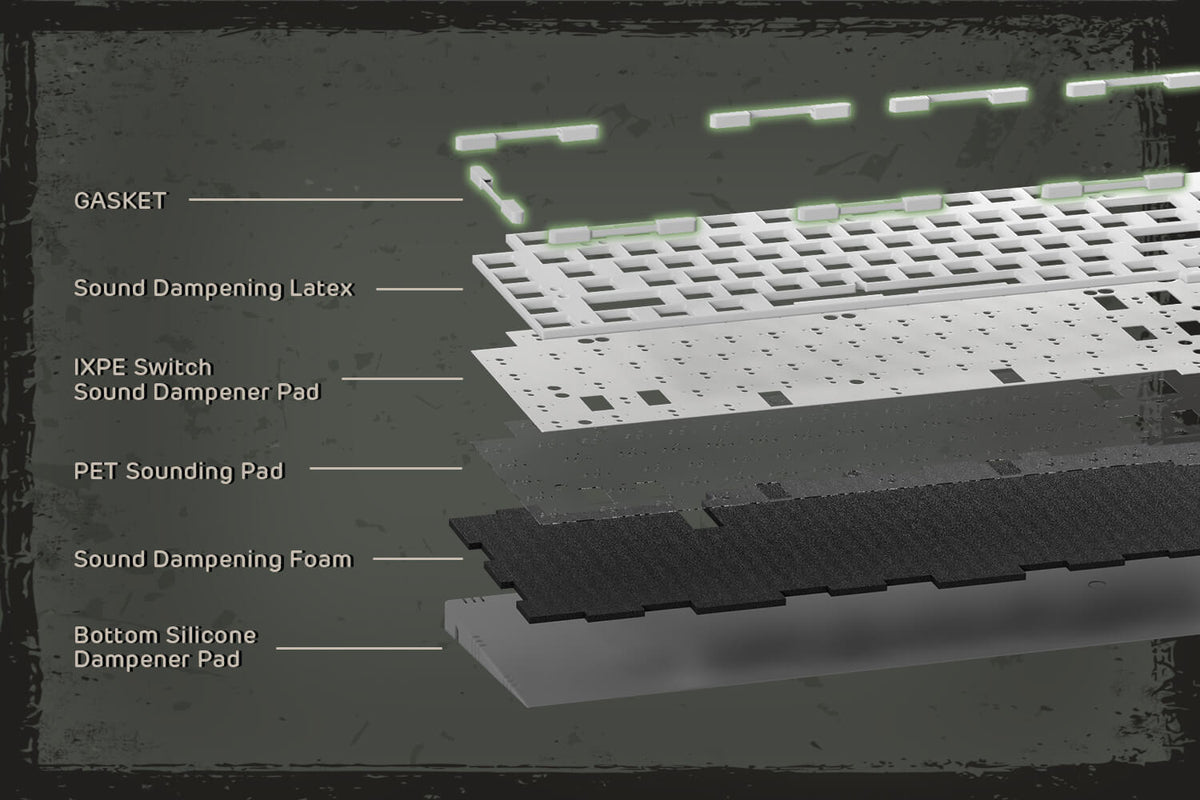
Not necessarily. Keyboard sound depends on the switches, keycaps, mounting style, and overall build. If you want a quieter typing experience, RK Custom Silent Switches reduce typing noise while maintaining a smooth, comfortable feel.
For a simple, budget-friendly entry into mechanical gaming keyboards, the RK61 is a great choice with its compact 60% layout and wireless connectivity. For competitive FPS gaming, the C87 and C96 add Hall Effect magnetic switches, adjustable actuation, and Rapid Trigger for faster, more precise inputs.
Yes. RK keyboards come with a 1-year warranty covering manufacturing defects under the applicable warranty terms. If you have an issue with your keyboard, contact support@rkgaming.com for assistance.
Every RK keyboard is covered — buy with confidence.
Changed your mind? Our return policy has you covered.
Most boards let you change switches later, no soldering.
ANSI, ISO, QWERTZ, AZERTY and more.
Start from your use case with Quick Picks, or browse the whole lineup and filter by what matters to you.